Introduction: From Static Images to Dynamic Experience
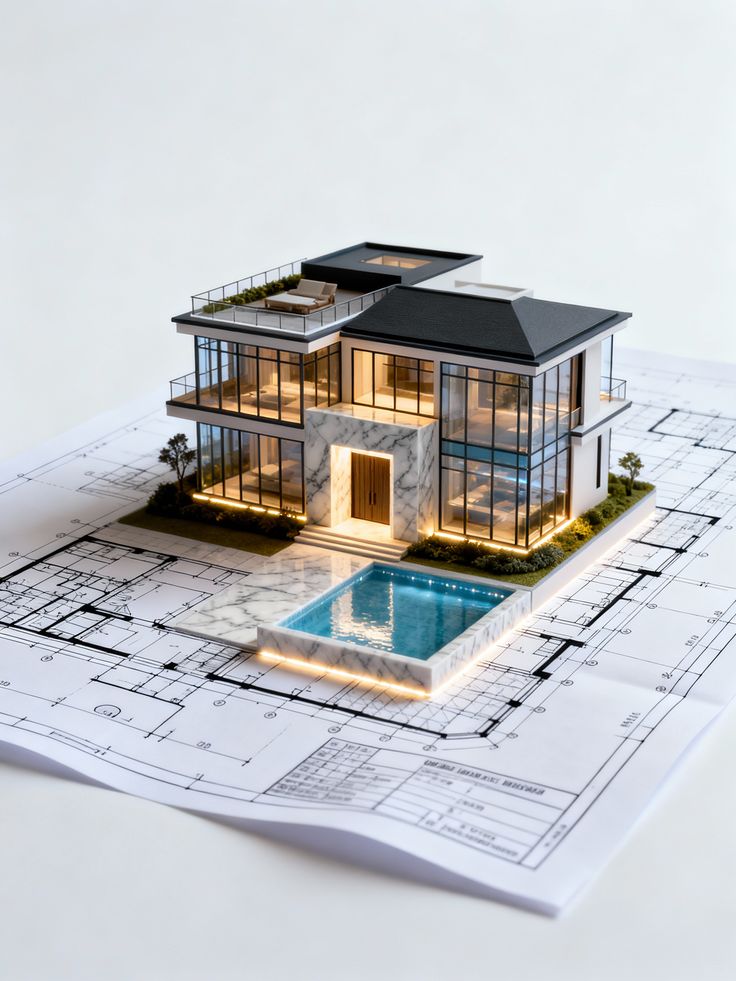
In architectural presentations, static images and drawings have long been the standard. While they are still valuable, they often fall short in conveying the full spatial experience of a project.
This is where architectural animation changes the game.
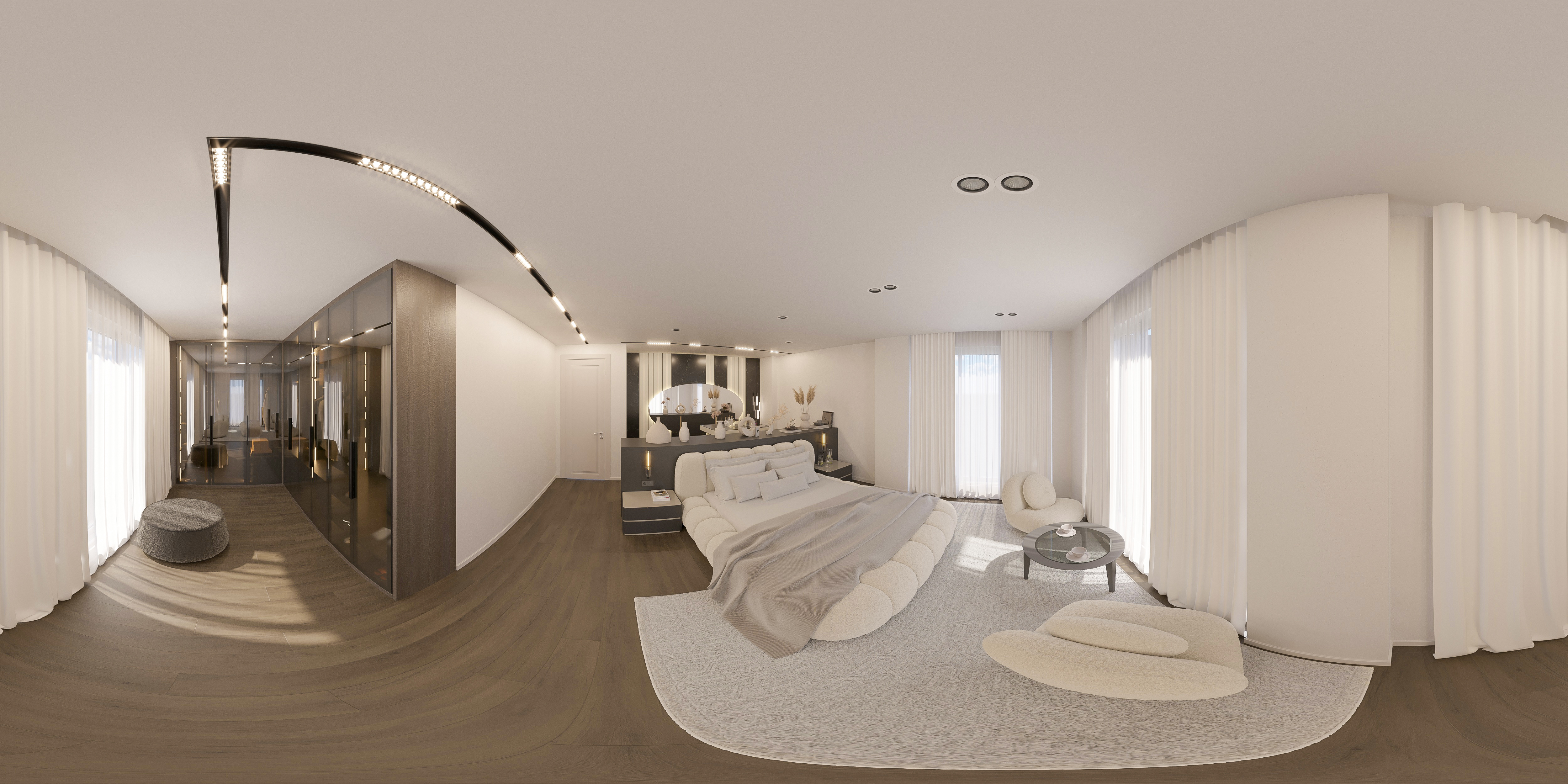
Architectural animation transforms a design into a moving visual narrative. Instead of showing isolated views, it allows clients and stakeholders to experience the space as if they are walking through it.
This shift from static representation to dynamic storytelling has become one of the most powerful tools in modern design communication.
What is Architectural Animation?
Architectural animation is a type of 3D visualization that uses motion to present a project.
It typically includes:
- Camera movements through spaces
- Transitions between interior and exterior
- Simulated lighting changes
- Realistic materials and environments
The goal is to create a cinematic experience that communicates both design intent and atmosphere.
Why Architectural Animation Matters
1. Improved Understanding
Animations provide a clearer understanding of space.
- Show circulation paths
- Reveal spatial relationships
- Demonstrate scale
Clients can understand the design without technical knowledge.
2. Stronger Emotional Impact
Motion creates engagement.
- Storytelling enhances connection
- Dynamic visuals capture attention
- Atmosphere becomes more immersive
People remember experiences more than images.
3. Better Client Communication
Animations reduce misunderstandings.
- Fewer design revisions
- Faster approvals
- Clear expectations
4. Marketing Advantage
Architectural animations are powerful marketing tools.
Used in:
- Real estate promotions
- Social media
- Investor presentations
They make projects stand out.
Key Elements of a Successful Animation
1. Storytelling
Every animation should tell a story.
- Where does the journey begin?
- What does the viewer experience?
- What is the emotional tone?
A random sequence of shots is not effective.
2. Camera Movement
Camera movement defines how the space is perceived.
Types:
- Walkthrough
- Flythrough
- Focused detail shots
Tips:
- Keep movements smooth
- Avoid abrupt transitions
- Use natural pacing
3. Lighting and Atmosphere
Lighting enhances realism and mood.
- Day vs night scenes
- Warm vs cool tones
- Soft shadows
Lighting defines emotional quality.
4. Material Realism
Materials must match real-world behavior.
- Texture accuracy
- Reflection and roughness
- Consistency
5. Sound and Music
Audio enhances the experience.
- Background music
- Ambient sounds
Sound adds depth to storytelling.
Types of Architectural Animations
1. Interior Walkthroughs
Show interior spaces in detail.
- Focus on user experience
- Highlight materials and lighting
2. Exterior Flythroughs
Show building form and context.
- Surrounding environment
- Landscape integration
3. Concept Animations
Used in early design stages.
- Communicate ideas
- Explore possibilities
4. Marketing Animations
Designed for promotion.
- High visual impact
- Focus on storytelling
Applications in Different Sectors
Residential Projects
- Show lifestyle and comfort
- Present interior experience
Commercial Projects
- Highlight branding
- Demonstrate user flow
Real Estate Development
- Pre-construction marketing
- Investor presentations
Hospitality Projects
- Emphasize atmosphere
- Create emotional appeal
Common Mistakes in Architectural Animation
Overcomplicated sequences
Too many movements reduce clarity.
Unrealistic speed
Fast transitions confuse viewers.
Poor storytelling
Lack of narrative weakens impact.
Low-quality rendering
Reduces professionalism.
Ignoring user perspective
Animation should reflect real experience.
Workflow of Architectural Animation
Step 1: Concept Planning
Define story and sequence.
Step 2: 3D Modeling
Prepare accurate models.
Step 3: Lighting and Materials
Set up realistic conditions.
Step 4: Animation Setup
Define camera paths.
Step 5: Rendering
Generate frames.
Step 6: Post-Production
Edit video, add sound and effects.
Role of Visualization Teams
Professionals combine:
- Design understanding
- Technical skills
- Creative storytelling
They ensure that animations are both realistic and engaging.
Technology in Architectural Animation
Tools:
- 3D modeling software
- Rendering engines
- Video editing software
Trends:
- Real-time animation
- AI-assisted rendering
- Interactive experiences
Future of Architectural Presentations
- Virtual reality walkthroughs
- Interactive animations
- Real-time client feedback
Presentation methods are becoming more immersive.
Practical Tips
- Keep animations simple and clear
- Focus on storytelling
- Use realistic lighting
- Avoid excessive effects
- Match animation style with project identity
Conclusion: Designing Through Motion
Architectural animation is more than a presentation tool—it is a storytelling medium.
It allows designers to:
- Communicate ideas clearly
- Engage clients emotionally
- Enhance project value
In modern architecture, showing a project is no longer enough—you need to let people experience it.