Introduction: The Art of Realism in Visualization
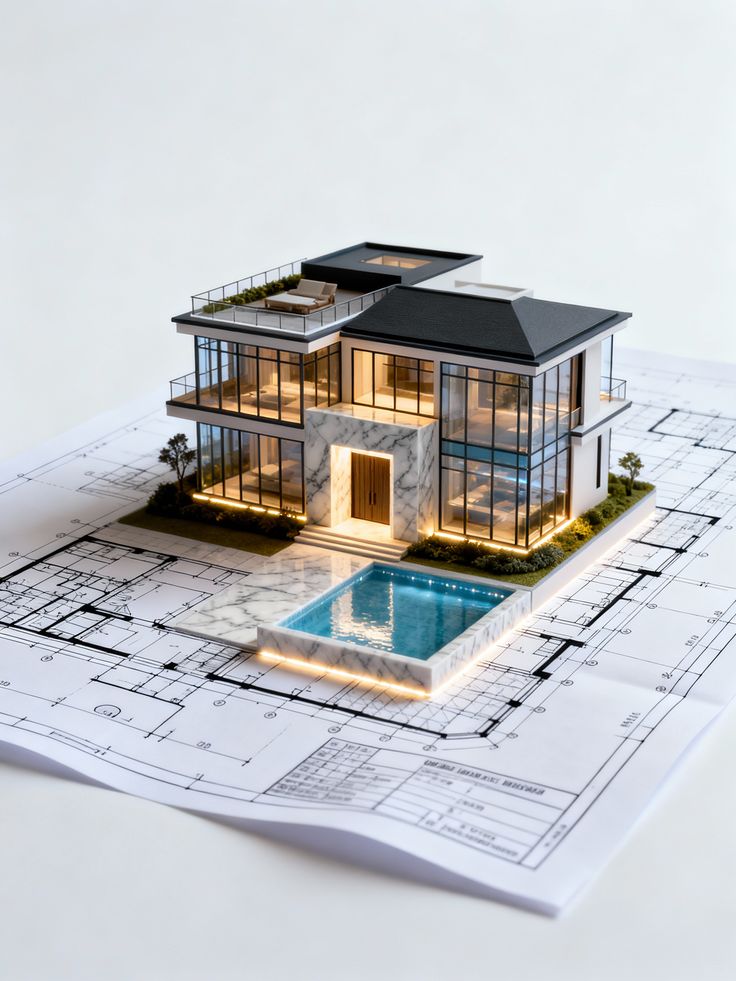
In architectural visualization, creating a 3D model is only the beginning. What truly defines the quality of a visual is how real it feels.
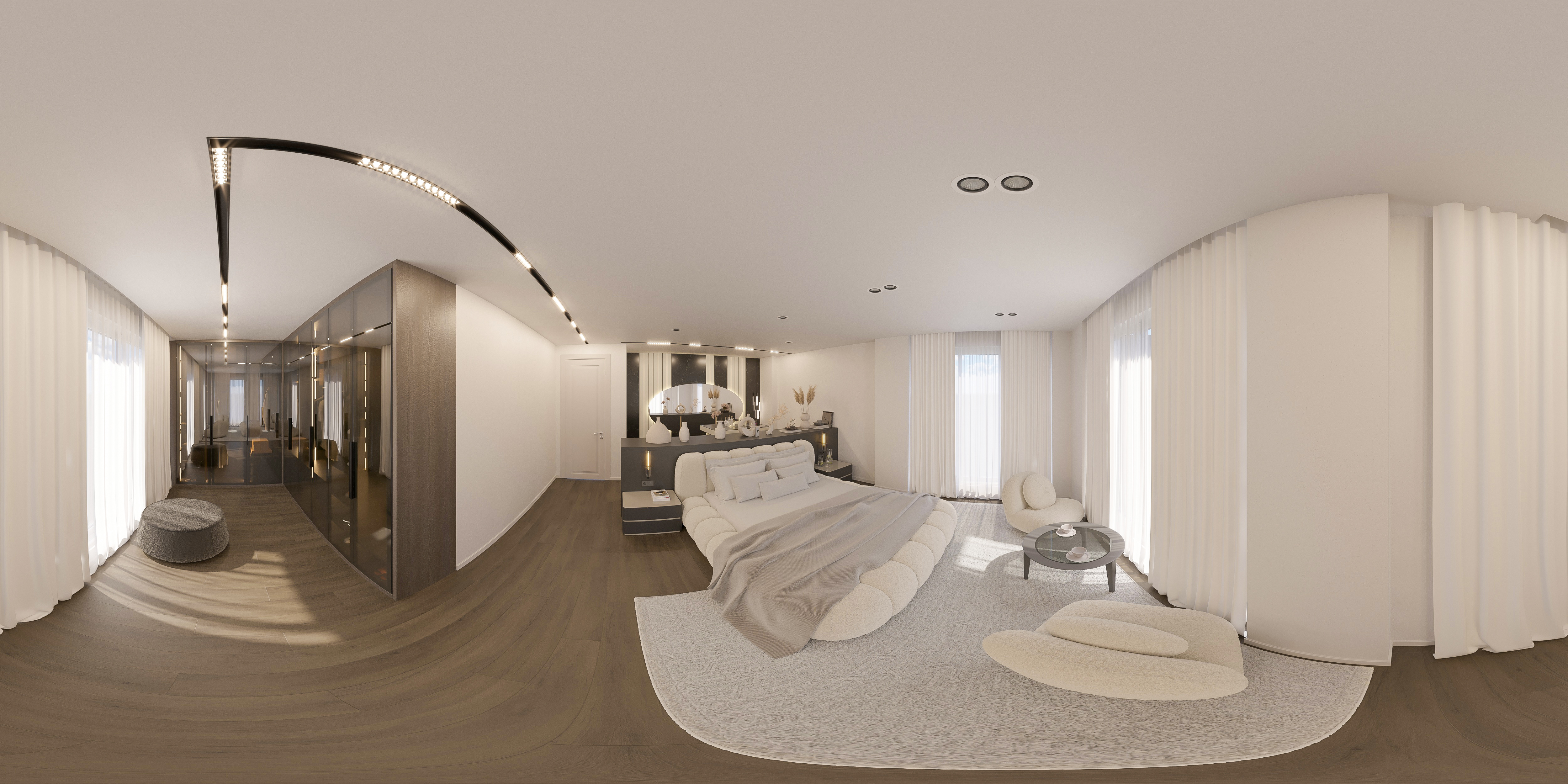
Photorealistic rendering is the process of transforming digital models into images that closely resemble real-life photographs. When done correctly, it becomes difficult to distinguish between a rendered image and an actual built space.
This level of realism is not achieved by software alone—it requires a deep understanding of:
- Lighting
- Materials
- Composition
- Human perception
Photorealistic rendering is both a technical skill and an artistic discipline.
What is Photorealistic Rendering?
Photorealistic rendering is a visualization technique that aims to replicate real-world lighting, materials, and environmental conditions in a digital image.
Key objectives:
- Realistic light behavior
- Accurate material representation
- Natural composition
- Depth and atmosphere
The goal is not just to show a design—but to make it believable.
Why Photorealistic Rendering Matters
1. Stronger Client Presentations
Realistic visuals help clients understand the design clearly.
2. Better Decision-Making
Clients can evaluate:
- Materials
- Lighting
- Spatial relationships
3. Marketing Advantage
High-quality renders are essential for:
- Real estate marketing
- Project promotion
- Portfolio presentation
4. Reduced Revisions
Clear visuals reduce misunderstandings and design changes.
Key Elements of Photorealistic Rendering
1. Lighting: The Most Important Factor
Lighting is the foundation of realism.
Types:
- Natural light
- Artificial light
- Indirect light
Tips:
- Use real-world lighting references
- Avoid overexposure
- Balance light and shadow
Good lighting creates depth and atmosphere.
2. Material Accuracy
Materials must behave like real surfaces.
Important aspects:
- Texture maps
- Reflection
- Roughness
- Transparency
Tips:
- Use high-resolution textures
- Avoid overly perfect surfaces
- Add subtle imperfections
Real materials are never flawless.
3. Composition and Camera Setup
A good render is also about how it is framed.
Key principles:
- Eye-level perspectives
- Balanced composition
- Natural camera angles
Tips:
- Avoid extreme wide angles
- Focus on storytelling
- Use depth of field carefully
4. Detailing and Imperfections
Perfection can make renders look artificial.
Add:
- Slight material variations
- Small imperfections
- Real-world elements (books, plants, fabrics)
Details bring life to the scene.
5. Post-Production
Final adjustments enhance realism.
Includes:
- Color correction
- Contrast adjustment
- Adding atmosphere
Post-production should enhance—not overpower—the render.
Common Rendering Mistakes
Overlighting
Too much brightness reduces realism.
Unrealistic materials
Incorrect textures break the illusion.
Lack of detail
Empty scenes feel artificial.
Poor composition
Weak framing reduces impact.
Overuse of effects
Too many filters make images look fake.
Rendering Workflow
Step 1: Modeling
Create accurate geometry.
Step 2: Material Setup
Apply realistic materials.
Step 3: Lighting Setup
Define light sources and balance.
Step 4: Rendering
Generate the image.
Step 5: Post-Production
Refine the final output.
Tools for Photorealistic Rendering
Common software:
- 3D modeling tools
- Rendering engines
- Post-production software
Each tool contributes to the final quality.
Photorealistic Rendering in Different Fields
Architecture
- Exterior visuals
- Interior renderings
Interior Design
- Material presentation
- Lighting studies
Real Estate
- Marketing visuals
- Pre-construction sales
Product Design
- Product visualization
- Advertising
Advanced Techniques
Global Illumination
Simulates real light behavior.
HDRI Lighting
Uses real-world environments for lighting.
Physically Based Rendering (PBR)
Ensures realistic material behavior.
The Role of Visualization Artists
Professionals combine:
- Technical knowledge
- Artistic vision
- Attention to detail
They transform models into compelling visuals.
Future of Photorealistic Rendering
- Real-time rendering engines
- AI-assisted rendering
- Virtual reality integration
- Faster workflows
Technology continues to push realism further.
Practical Tips
- Study real photography
- Focus on lighting first
- Use reference images
- Keep scenes balanced
- Avoid overcomplication
Conclusion: Realism Through Precision
Photorealistic rendering is not about making things look perfect it is about making them look real.
It requires:
- Attention to detail
- Understanding of light
- Knowledge of materials
When done correctly, it turns design into a visual experience that feels real before it is built.